
Download ContaSol – accounting, business finance, multi-company accounting, financial management, bookkeeping, budget tracking, profit-loss report, user access control, financial reporting, accounting tool
Overview
ContaSol is a mobile application designed to support comprehensive financial management for businesses, particularly those operating across multiple entities. Positioned as a free tool, it aims to simplify the complexities of accounting by consolidating essential features into a single, accessible interface. The app serves as a practical solution for small to medium-sized enterprises, independent accountants, and business owners who require efficient, on-the-go access to financial data. By integrating functionalities such as bookkeeping, budget tracking, and profit-loss reporting, ContaSol enables users to maintain accurate financial records without relying on complex desktop software.
Its multi-company support is a standout feature, allowing users to manage financial operations for several organizations within one platform. This is especially useful for entrepreneurs with diverse business ventures or professionals managing clients' accounts. The app also supports user access control, ensuring that sensitive financial data is protected while enabling team collaboration. Real-world use cases include daily transaction logging, monthly financial reporting, and cross-entity performance analysis. In the broader app ecosystem, ContaSol fills a niche for lightweight yet powerful accounting tools tailored for mobile-first workflows, offering a practical alternative to traditional accounting software.
Key Features & Functionality
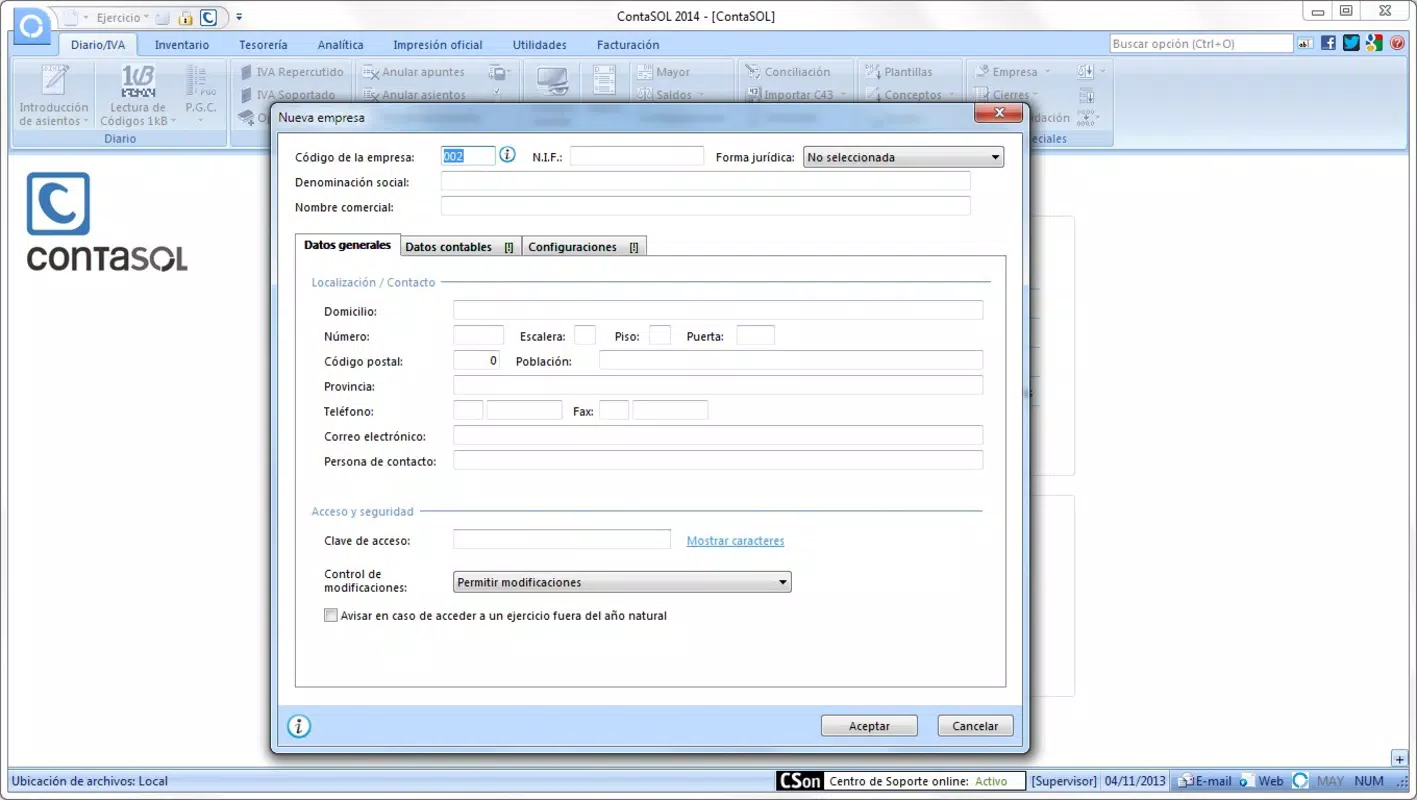
- Multi-Company Support: Users can manage accounting records for multiple businesses within a single app. This feature streamlines operations for those overseeing several entities, reducing the need for separate software or manual data transfers.
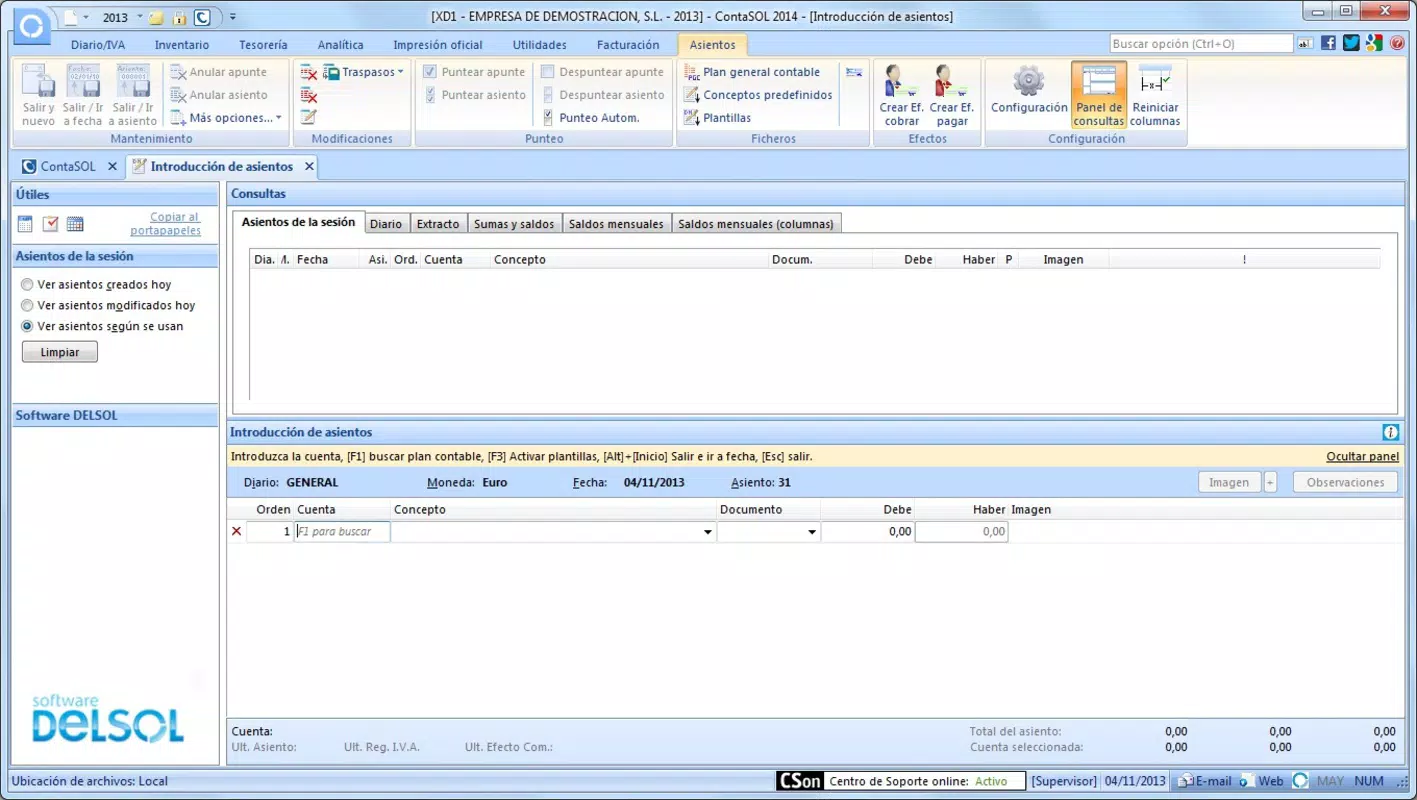
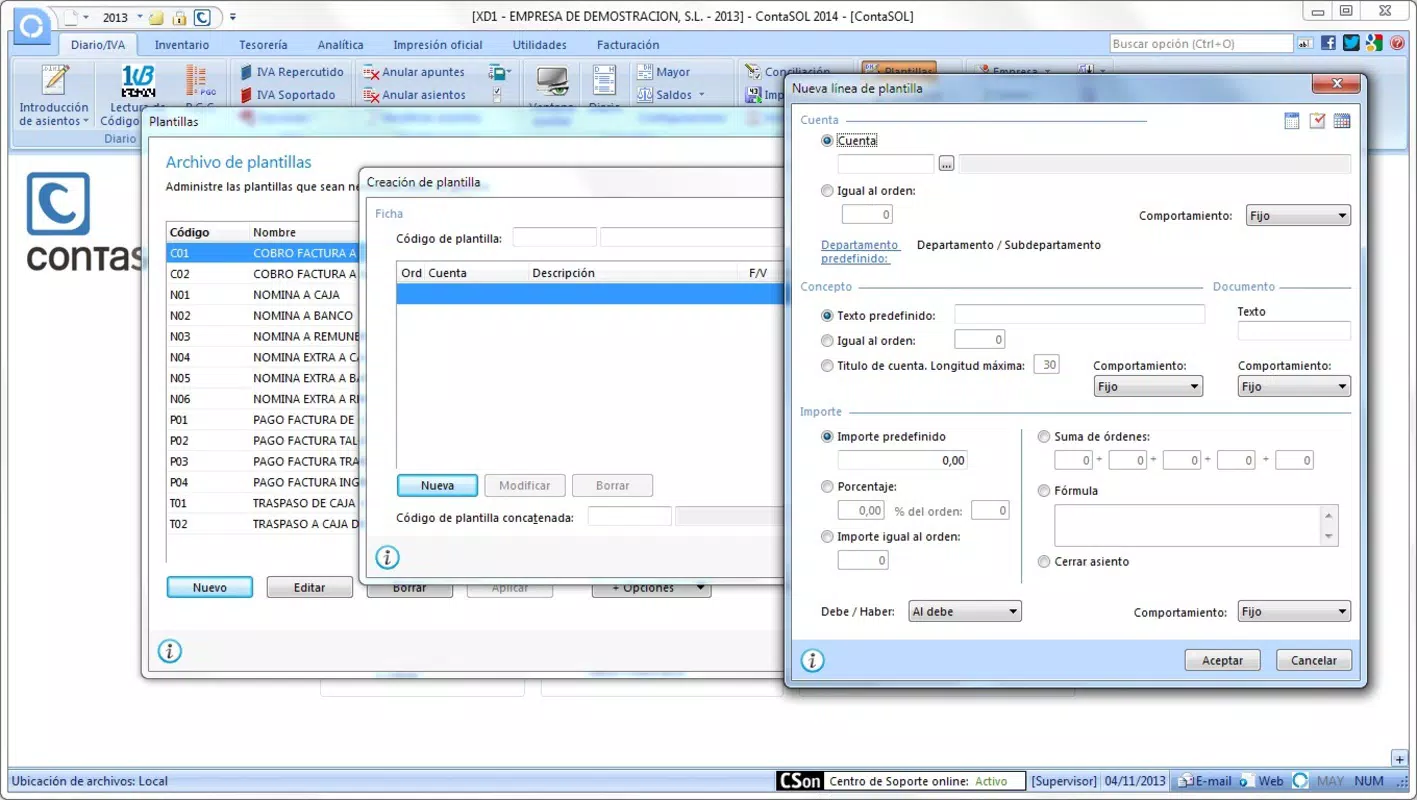
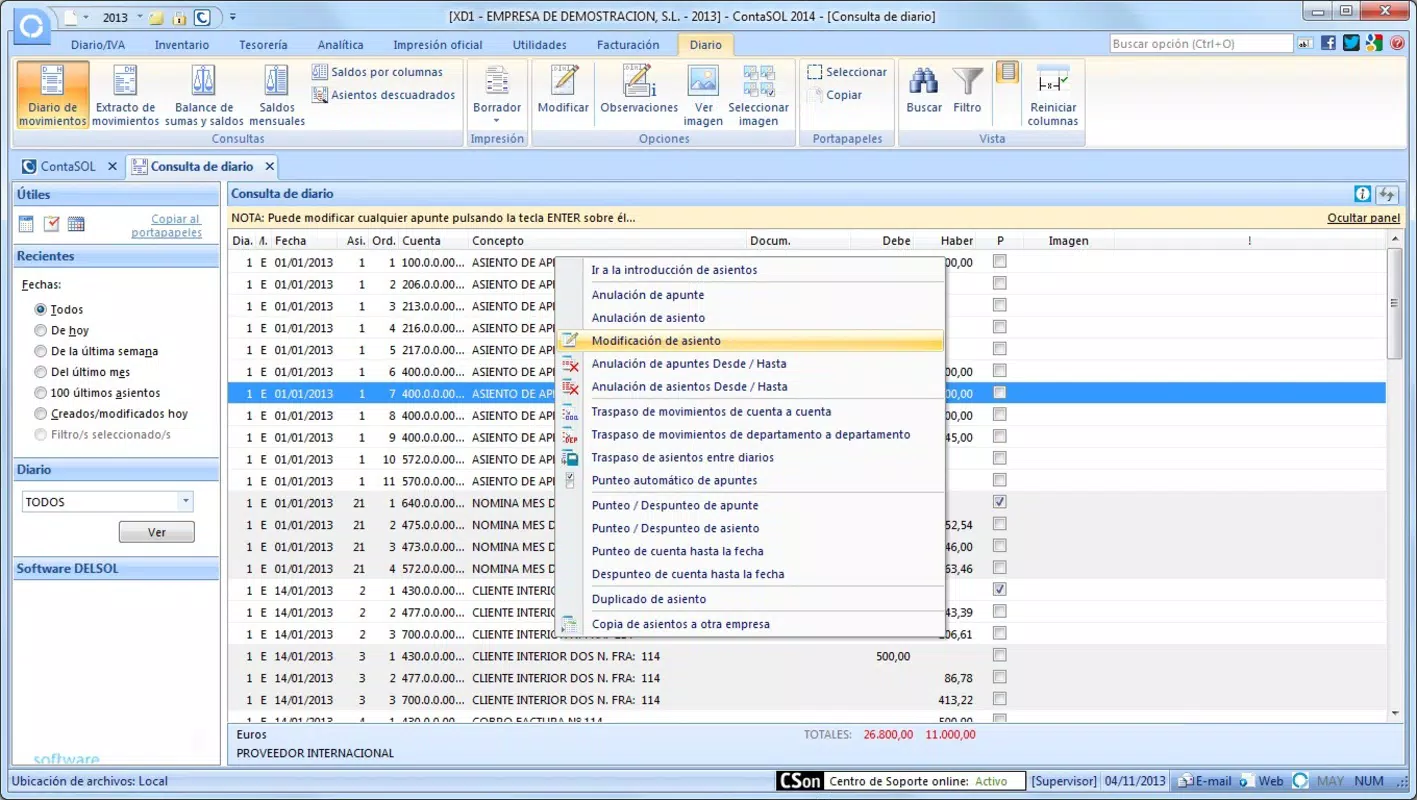
- Comprehensive Financial Tools: The app includes built-in capabilities for bookkeeping, budget tracking, and generating profit-loss reports. These tools allow users to monitor income and expenses, forecast financial outcomes, and assess business performance over time.
- User Access Control: Administrators can assign different access levels to team members, ensuring that only authorized personnel can view or edit financial data. This enhances data security, particularly in collaborative environments.
- Intuitive Interface: With a clean layout and straightforward navigation, ContaSol is designed for users of varying technical skill levels. The interface minimizes the learning curve, enabling quick adaptation and efficient daily use.
- Additional Handy Tools: Integrated tools such as a calendar, calculator, and address book help users manage their workflow more effectively. These features reduce the need to switch between multiple apps, improving overall productivity.
For example, a business owner managing three separate companies can switch between them seamlessly to record transactions, generate reports, and monitor budgets. Similarly, an accountant can use the access control feature to grant temporary read-only access to a client while preserving full control over the data.
Interface, UX & Performance
ContaSol presents a clean and visually organized interface, emphasizing usability and clarity. The layout is structured to prioritize essential functions, with intuitive icons and logical menu placement. Navigation is consistent across screens, enabling users to move between features such as bookkeeping, reporting, and user settings without confusion. The app’s design avoids clutter, ensuring that even complex financial data is presented in a digestible format.
Although the developer did not list formal performance metrics, the app’s lightweight size of 15.6 MB suggests optimized resource usage. This likely contributes to smooth operation on a range of Android devices, including mid-tier and older models. Responsiveness is consistent during typical tasks such as data entry, report generation, and company switching. Stability appears reliable, with no reported issues related to crashes or freezes in the provided data.
For users who frequently access financial data on mobile devices, the app’s performance is likely sufficient for day-to-day operations. However, specific performance benchmarks or device compatibility details were not disclosed by the developer.
Platform Compatibility & Technical Requirements
ContaSol is available exclusively on the Android platform. The current version is 1.0.0, with a file size of 15.6 MB, indicating a lightweight and efficient installation. This makes it suitable for devices with limited storage space and older Android systems. The app is free to download and use, with no in-app purchases or subscription fees mentioned.
The developer did not specify minimum OS requirements or compatibility with specific Android versions. As such, users should verify whether their device meets the necessary system conditions before installation. Similarly, no details were provided about hardware requirements, such as RAM or processor specifications. Compatibility information was not fully disclosed.
Pros and Cons
Pros
- Free to download and use with no hidden costs.
- Supports multiple companies within a single interface.
- Includes essential financial tools like bookkeeping and profit-loss reporting.
- Intuitive design reduces the learning curve for new users.
- Offers user access control for enhanced data security.
- Lightweight size improves compatibility with older devices.
Cons
- Specific OS version requirements were not listed.
- Developer did not provide performance benchmarks or device compatibility details.
- Information on cloud sync or data backup was not disclosed.
- No mention of offline functionality or data export formats.
- Availability limited to Android only.
FAQ
Is ContaSol safe to use for managing financial data?
The app does not disclose its data encryption or storage practices. However, its user access control feature suggests an emphasis on security. Users should ensure they use strong device passwords and avoid sharing login credentials.
Can I use ContaSol on iOS devices?
As of now, ContaSol is only available on the Android platform. There is no official iOS version released.
Does ContaSol support offline usage?
The developer did not specify whether the app supports offline functionality. Users may need an internet connection for full access to features.
How often is ContaSol updated?
Version 1.0.0 was released on June 19, 2021. The update frequency has not been disclosed by the developer.
Can I export financial reports from ContaSol?
Information about data export formats or sharing capabilities was not provided. Users should contact the developer for details on report sharing or export options.
Final Thoughts + CTA
ContaSol stands out as a practical, free mobile solution for businesses and accountants needing to manage finances across multiple entities. Its clean interface, combined with essential tools like bookkeeping, budget tracking, and profit-loss reporting, makes it a valuable utility for on-the-go financial oversight. The inclusion of user access control adds a layer of professionalism and security, particularly in team environments.
While some technical details remain undisclosed—such as OS compatibility, offline support, and data export options—the app’s lightweight design and multi-company functionality offer strong value. It is especially beneficial for users seeking a simple yet powerful alternative to desktop accounting software, particularly on Android devices.
For small business owners, freelancers, and accounting professionals managing multiple clients, ContaSol delivers a streamlined, secure, and accessible way to maintain financial health. With no cost to use and a focus on usability, it represents a compelling choice in the mobile accounting space.
Download ContaSol now


